 Bamonick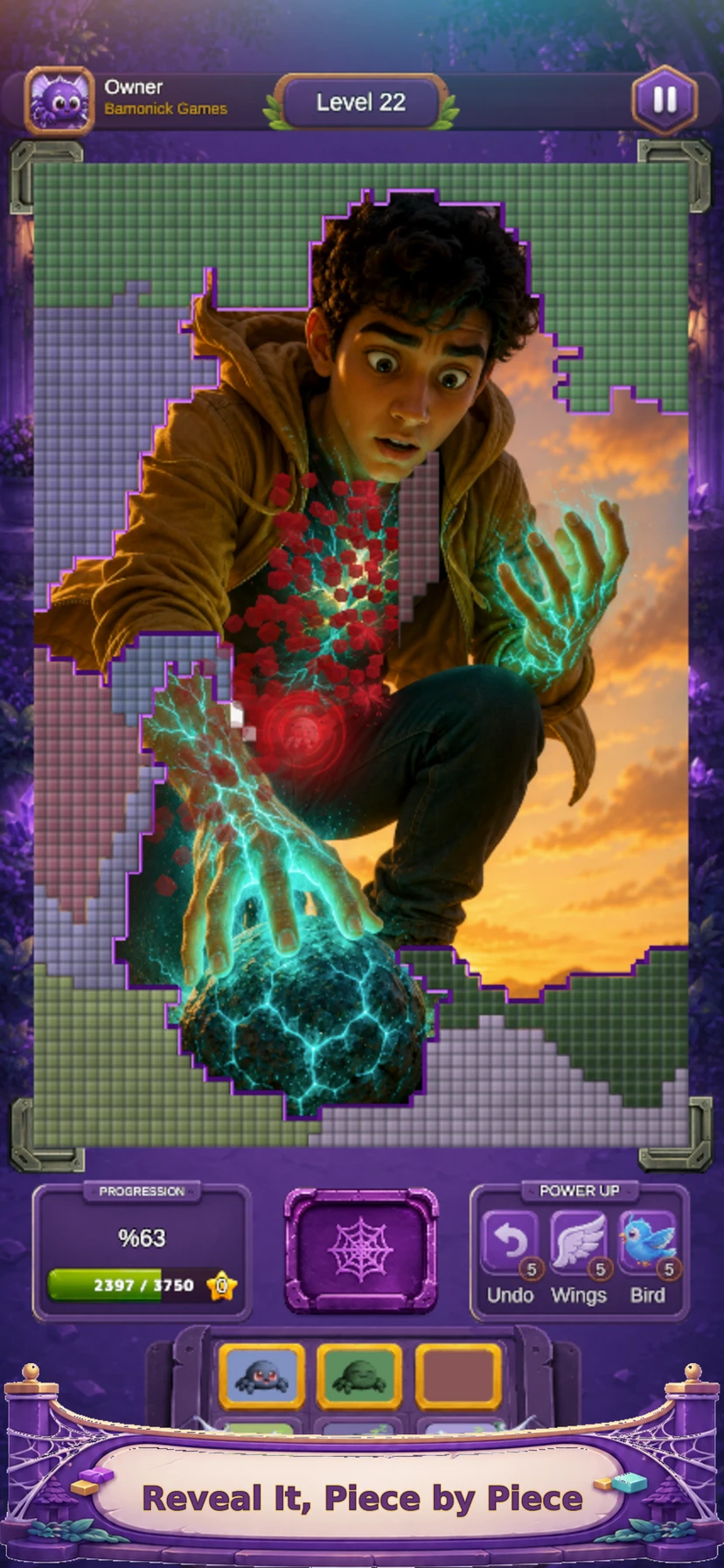
Read the board before you tap
Start with the image fragments already visible. A sharp boundary, a change in color or a recognisable object can help you understand what you are looking at. Read the level’s current controls and goals too: a visually interesting tile is only useful if it fits the moves available. Resist treating every reveal as an interchangeable tap.
Give your next reveal a purpose
A useful move answers a question. Is the blue area sky or water? Does that line belong to a window or a path? You may not always be able to choose the exact fragment you want, so compare the options the level actually offers. Prefer a move that helps you understand the picture and the next choice.
Look again after each change
A plan is a starting point, not a reason to ignore new information. After a reveal, pause and compare the new board with the one you expected. If a familiar shape appears, reconsider which detail would be most helpful next. This creates a rhythm of observe, choose, reveal and observe again.
Use replay to test an idea
Silky Reveal includes stars, a level map and replay. Revisit an earlier level with one specific question: could a different order have made the image easier to read? Compare your decisions rather than assuming that fast tapping is always better. Mini-games offer a change of pace when you want a different kind of challenge.
Try a different visual skill in your browser
The sliding picture puzzle below asks you to rebuild a complete garden image; the memory game asks you to remember positions. These are independent browser activities, not a playable version of Silky Reveal. They offer different ways to notice details before you continue in the app.
Questions before you play
Is Silky Reveal a sliding jigsaw puzzle?
Its central loop is revealing pictures through tile choices. The sliding picture game on this website uses a different mechanic and is a separate activity.
Does the website give solutions to Silky Reveal levels?
This guide explains an approach to choosing moves. It is not a verified walkthrough or answer list for individual app levels.
Can I create a picture reveal puzzle myself?
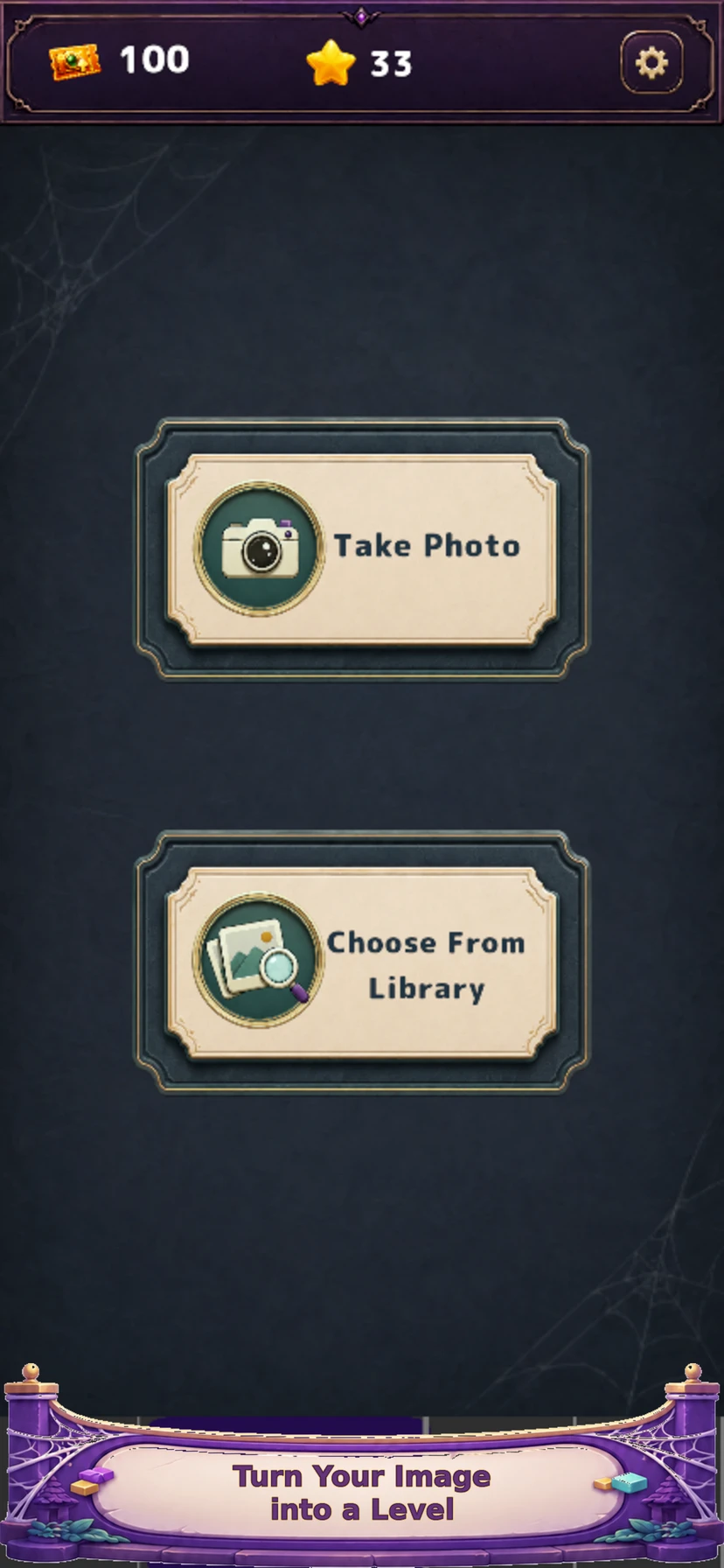
Silky Reveal supports levels made from your images. Read the photo-to-puzzle guide for image selection and privacy considerations.